NVIDIA Configuration
Using the certified NVIDIA driver version is crucial for compatibility and maximum uninterrupted production performance.
info
Recommended NVIDIA Driver version is 581.80.
Enterprise Driver or Game Ready Driver
For RTX 4090 and RTX 5090 series GPUs, we recommend using Game Ready drivers. For workstation GPUs such as A6000 or ADA6000, please install the Enterprise Driver.
Downloading
- Visit the NVIDIA official website, download and run the installation file.
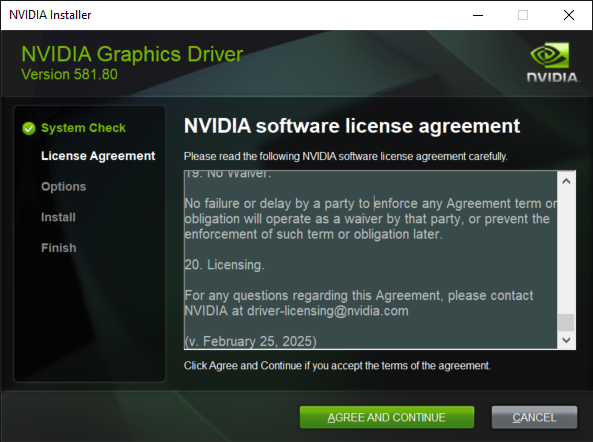
- Read the NVIDIA Software Agreement, then click the Agree and Continue.
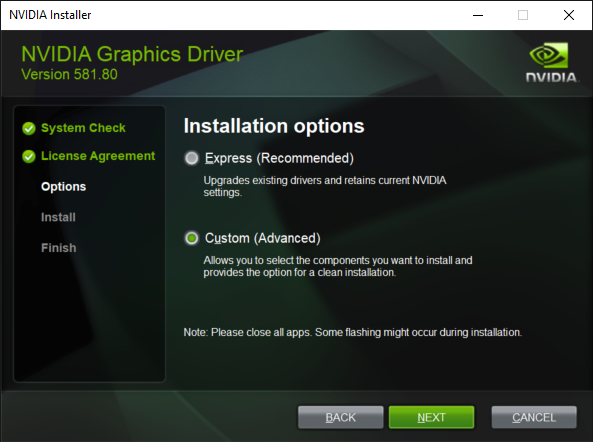
- Choose the Custom (Advanced) option and click the Next.
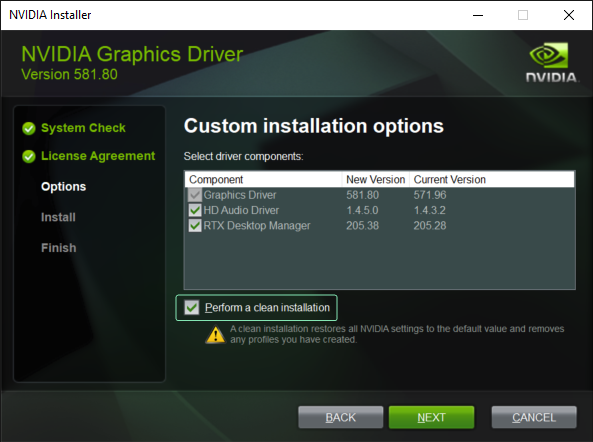
- Click on the Perform a clean installation checkbox and click the Next.
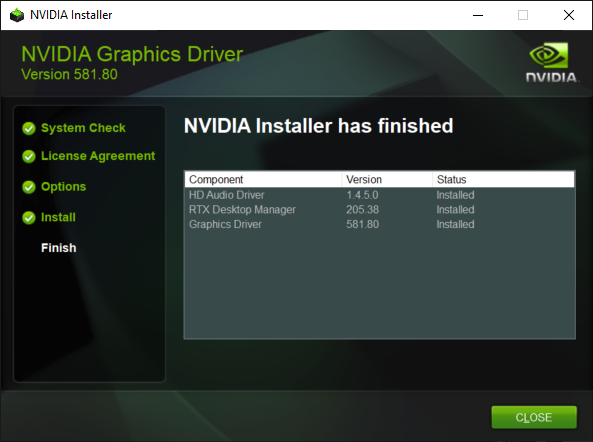
- Installation is successfully done. Click the Close.
Configuring
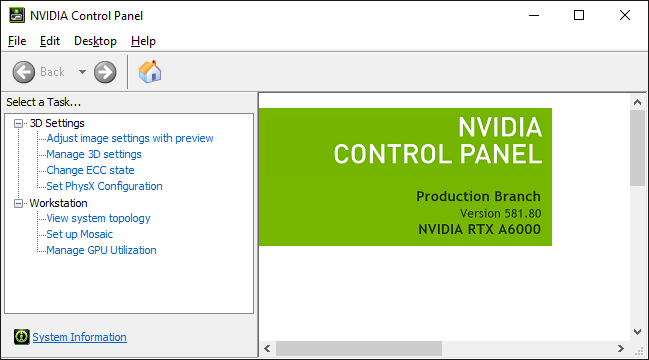
- Launch the NVIDIA Control Panel.

- Go to Task section and select the Manage 3D Settings.
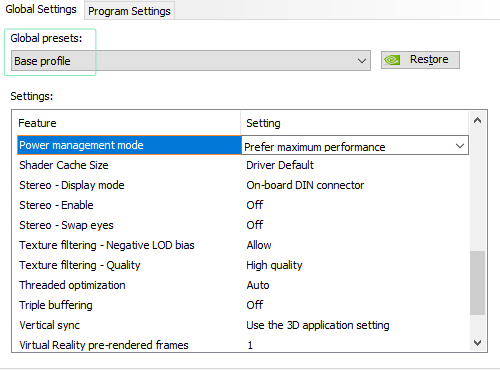
- While the Base Profile selected in the Global Presets, find the Power Management Mode and change it to Prefer Maximum Performance, as illustrated above.