Installation
Installation process of Traxis Hub is relatively straightforward and can be done in three steps:
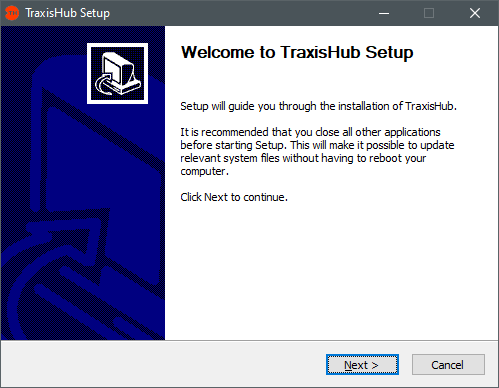
- Double click on the Traxis Hub installer EXE file, click Next.
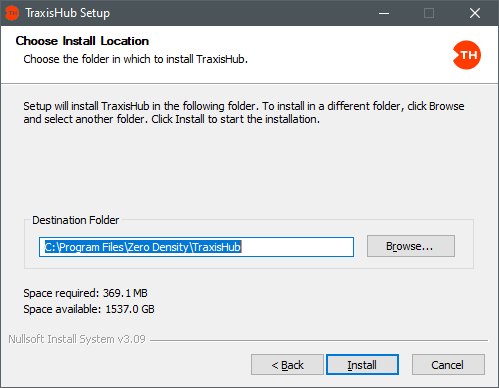
- Choose the Installation Destination Folder and click on Install.

At this stage, installer asks if you want to reinstall the License Manager. Traxis Hub version 2.2 needs License Manager v1.5 and above, and it is not compatible with v1.4 or lower.
Options:
- Yes: Reinstalls License Manager (recommended if unsure of version).
- No: Skips reinstallation (only safe if v1.5+ is already installed).
Recommendation: Select Yes unless you are certain a compatible version is present.
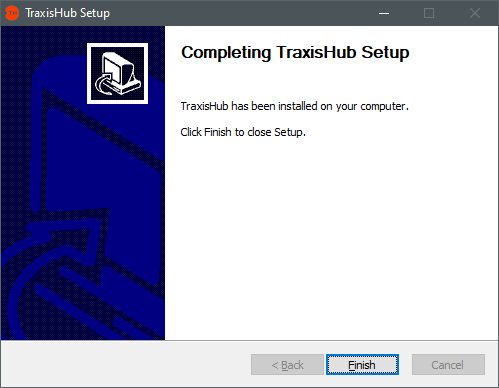
- Click on Finish and finalize the Installation.