What's New
Highlights
-
Autoprofiler is now available as an interactive configuration workflow for automatic lens profiling and automatic tracking-device offset calculation. It provides native integration for Automatic Profiler Tags, and it also supports other marker types and PTZ cameras.
-
The new cartridge version 2.0 is available for Traxis Camera Tracker. It supports external lens encoders and can read zoom and focus from geared lenses.
-
Talent Tracking Beacon is now available for tracking talent by ID.
-
Automatic Profiler Tags is now available for automatic lens profiling.
-
External Lens Encoder is now available to read zoom and focus from geared lenses.
-
Lens Data Passthrough now accepts tracking and lens data using Mo-Sys, stYpe, Xync, and OpenTrackIO protocols, converts it to the Traxis format, and can combine multiple tracker formats in one place.
-
Traxis Hub can now receive tracking data from ZEISS Track, Xync, and Telemetrics sources. Experimental OpenTrackIO support is available for tracking input and output.
-
Guided setup wizards are now available for Studio Cameras with OptiTrack and PTZ Cameras with FreeD.
Hardware
Cartridge 2.0
New Cartridge 2.0 is now available, featuring Zero Density's microcontroller board, which supersedes the MOXA serial device to handle all sensors and communications.
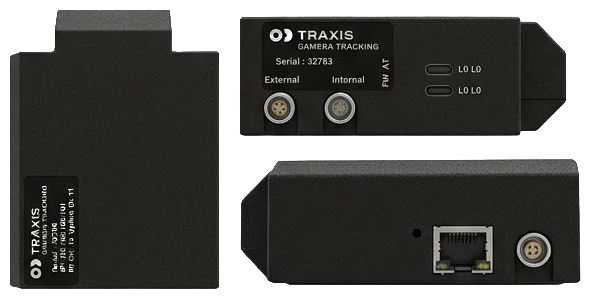
The Cartridge 1.0 series remains supported by Traxis Hub, but continues to use the MOXA serial board for all communication.
Talent Tracking Beacon
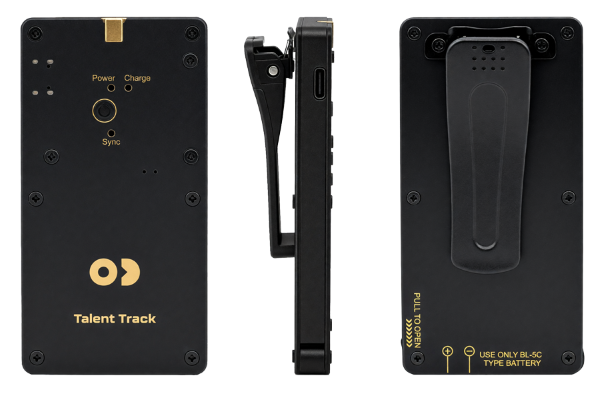
New Talent Tracking Beacon is now available for tracking talent by ID.
Automatic Profiler Tags
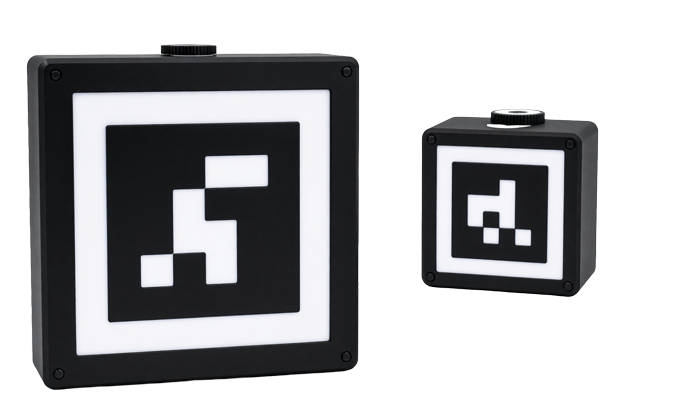
New Automatic Profiler Tags is now available for automatic lens profiling.
External Lens Encoder
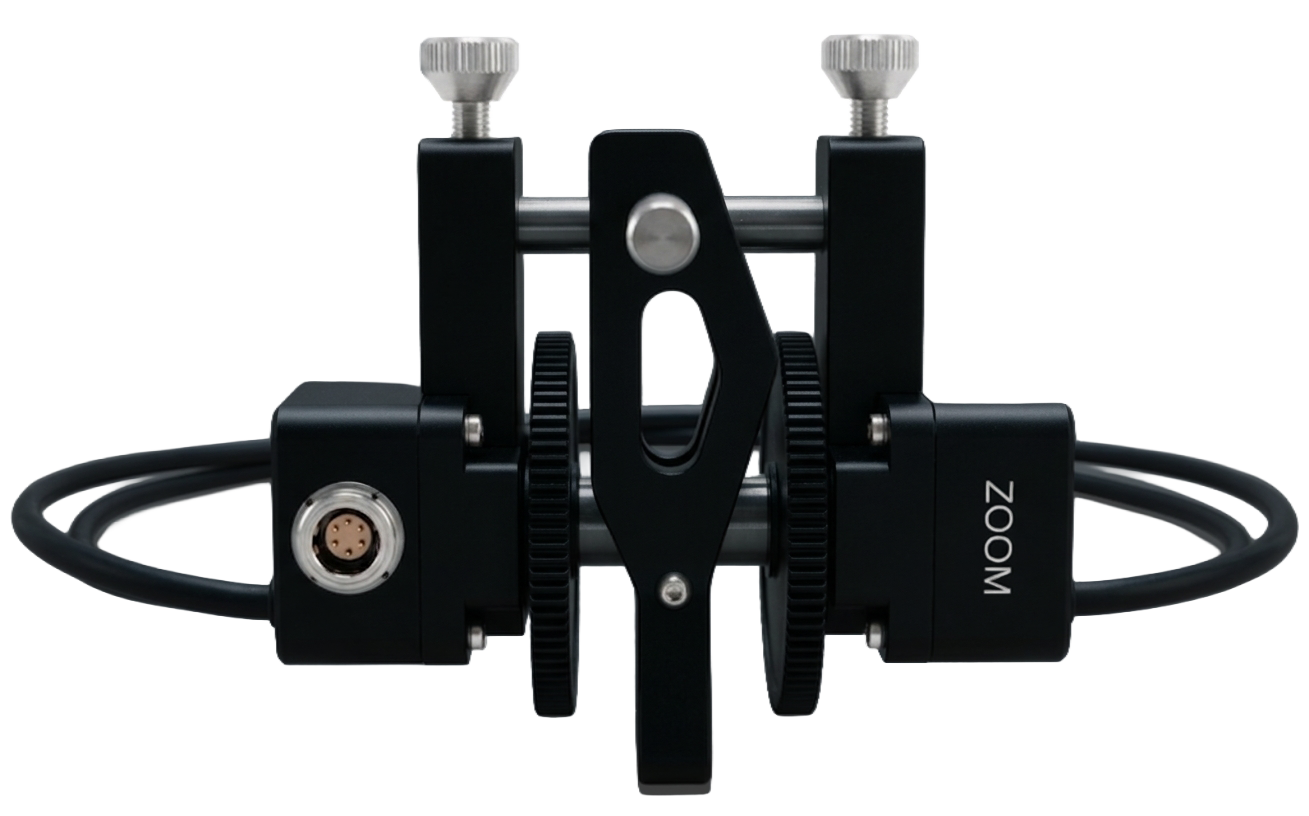
- New External Lens Encoder support is now available. Traxis Hub can discover devices, configure them, read telemetry, control the lens, monitor the connection, and identify the lens. Zoom and focus can now be read from geared lenses.
Traxis Hub 3.1
Lens Profiling
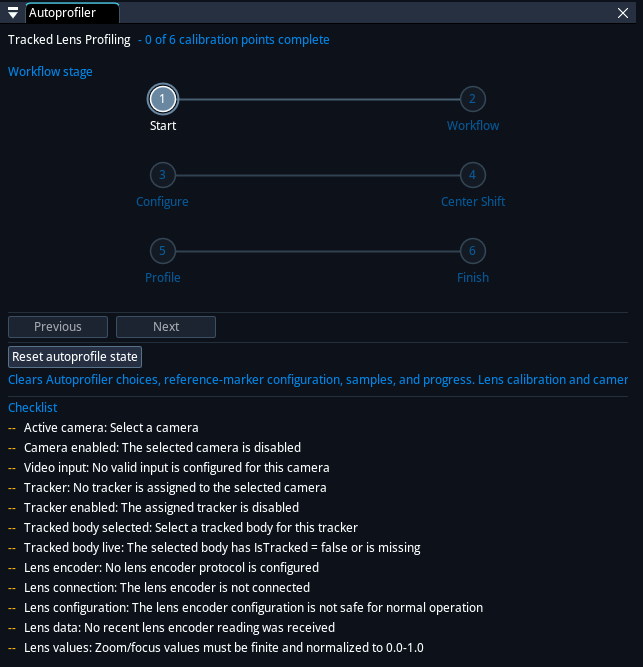
- New Autoprofiler is now available as an interactive configuration workflow for automatic lens profiling and automatic tracking-device offset calculation. It provides native integration for Automatic Profiler Tags, and it also supports other marker types and PTZ cameras.
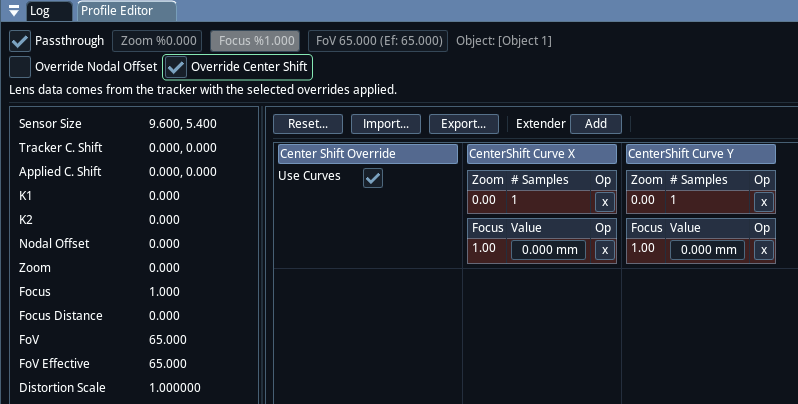
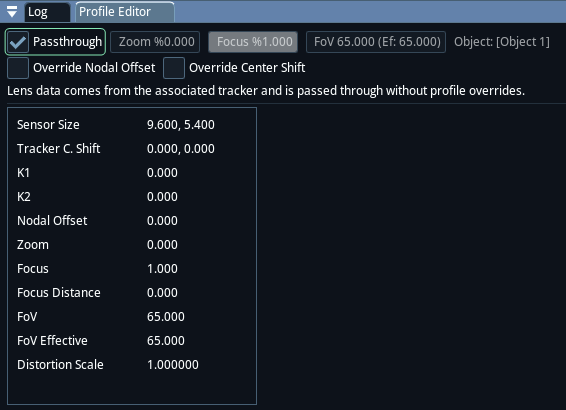
- New Center Shift Override is now available to adjust center shift values received through Lens Data Passthrough. Other lens data still comes from the tracker. Center shift is calibrated in Traxis Hub.
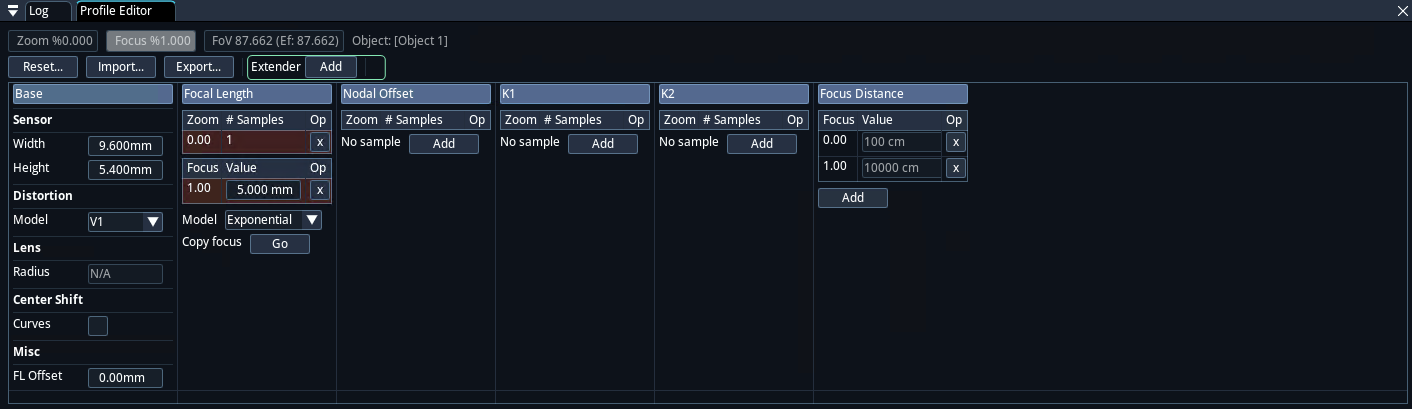
- New Range Extender calibration profiles can now be created, imported, edited, and selected independently of the standard lens profile.
- Improvement Lens Data Passthrough has been expanded to include Mo-Sys, stYpe, Xync, and OpenTrackIO tracking protocol sources. Traxis Hub converts incoming tracker data to the Traxis format and can combine multiple tracker formats in one place.
Camera Tracking
- New Traxis Hub can now receive tracking data from ZEISS Track, Xync, and Telemetrics sources.

- New Tracker names can now be edited, and trackers can be enabled independently and assigned as camera or lens-data sources.
- New Configurable fallback positions and track-lost behavior are now available to control how objects behave when tracking data is interrupted.
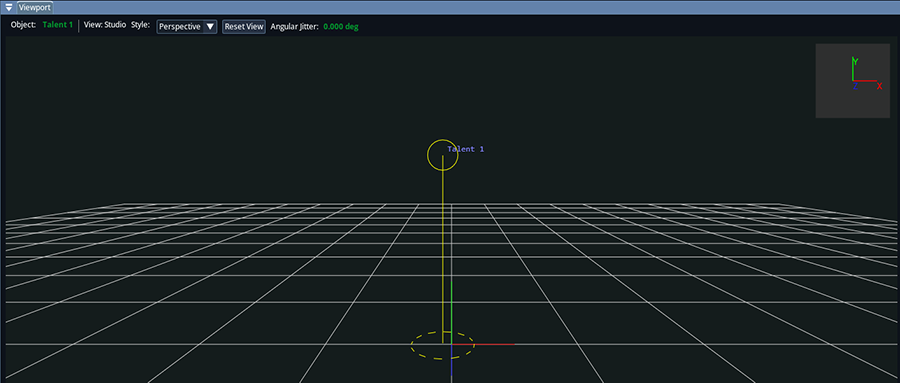
- New Tracking visualization options now include talent visualization.
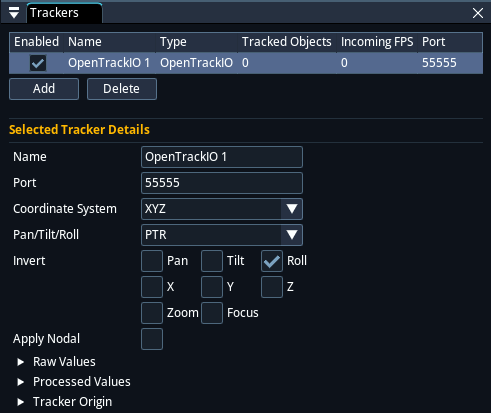
- Experimental OpenTrackIO is now supported for both tracking input and tracking output.
Camera Setup and Control
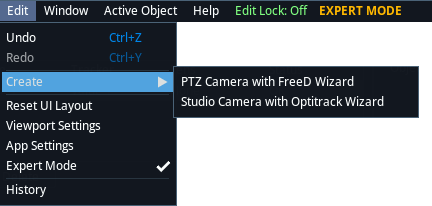
- New Guided setup wizards are now available for Studio Cameras with OptiTrack and PTZ Cameras with FreeD. Open Edit > Create... to start a wizard.
- Improvement Focus Follow now has a dedicated control window, time-based operation, finer adjustment, and improved tracking response.
- Experimental PTZ control for Sony FR7 and Panasonic UE150 cameras now provides pan, tilt, zoom, focus, stop, and autoscan controls.
Health and Operations
- New Health and Diagnostics panels are now available to identify tracking, lens, video, synchronization, genlock, and performance issues.
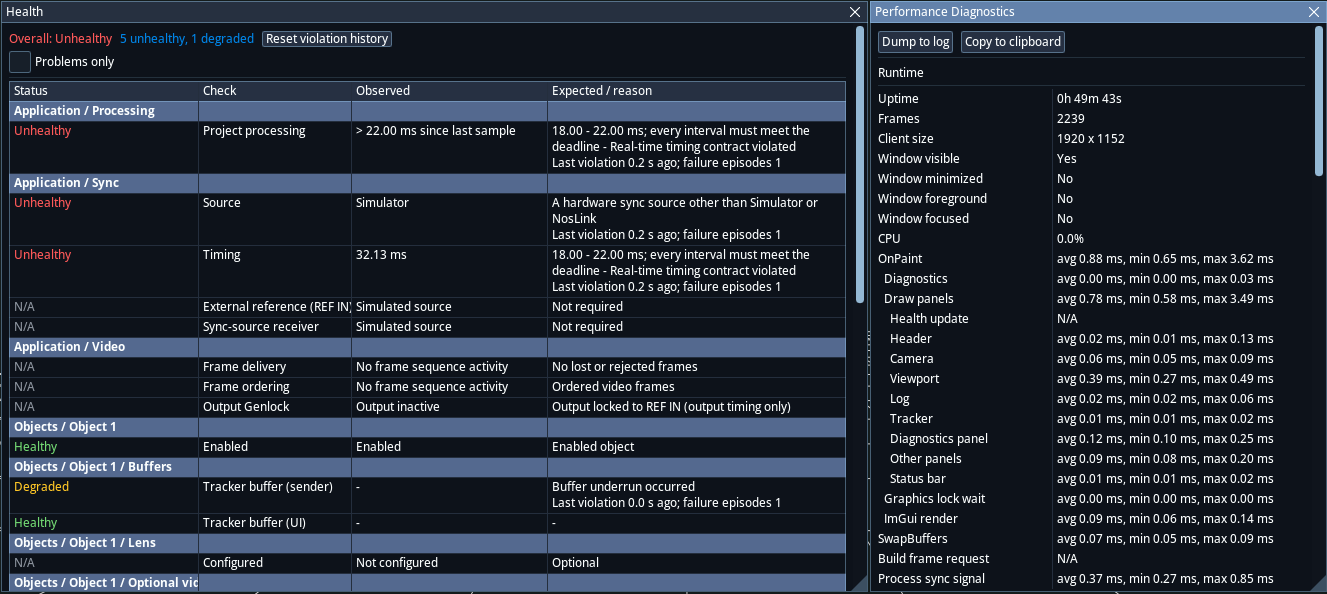
- Improvement Project recovery can now restore project data after an unexpected application shutdown.
- Improvement Undo and redo are now available throughout the application for editable project settings.
- Improvement The stability of tracking receive and send timers is improved.
Video I/O and Synchronization
- New Configurable video-output modes now provide control over resolution, frame rate, and progressive or interlaced output.
- Improvement Support for interlaced video, UHD resolutions, and RGB and YUV video formats has been expanded.
Capture and Recording
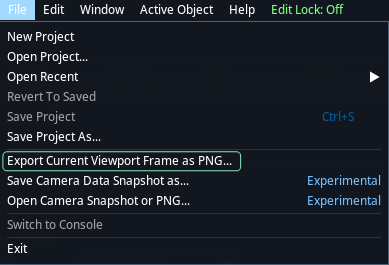
- New The current video frame can now be saved as a standard PNG image.
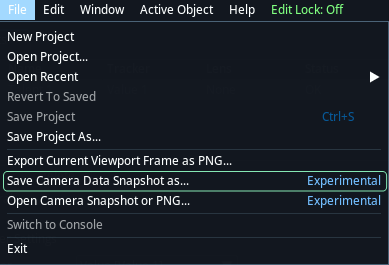
- Experimental Snapshots can now capture video together with the corresponding tracking data. Use File > Save Camera Data Snapshot as....
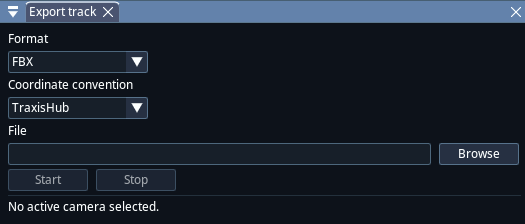
- Experimental Tracking data can now be recorded and exported in FBX or Alembic format, with coordinate conventions for Traxis Hub, Unreal, and Blender.