Console mode
You can use Traxis Hub has with two different operational modes:
- GUI Mode: It has all available features, enabling all configuration and operation scenarios.
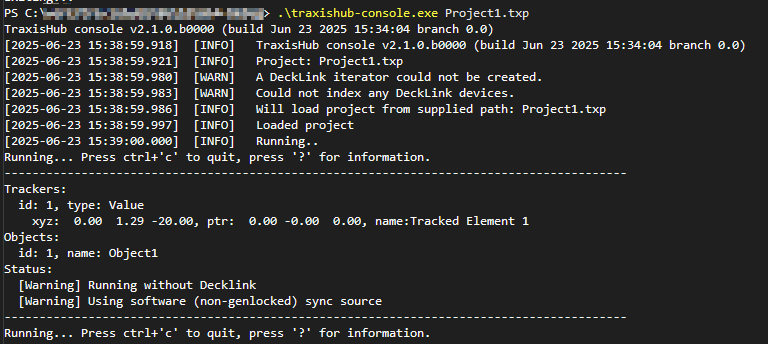
- Console Mode: A special mode where Traxis Hub runs as a console application, witout using any GUI or GPU resources.
warning
Do not run the GUI mode and Console mode at the same time.
The main use of the console mode is to run it on Windows startup. Restart managers such as Restart on Crash can be used to restart Traxis Hub in case of a crash or accidental termination.
Running console mode
Traxis Hub-console.exe is installed with Traxis Hub. It can be run from the command line by supplying a previously-saved project file as an argument.