Zoom / CS
This section is under active construction. If you have immediate questions or require technical support, please contact our Support Department via https://support.zerodensity.io/.
Zoom Levels
After you complete a full profiling at zoom = 0 (FL, NO, K1, K2), repeat the process for additional zoom positions.
When you zoom in, the lens may change geometry and produce a Center Shift (CS) effect — this must be calibrated for each zoom sample in addition to FL, NO, K1, and K2.
For most lenses, zoom samples at 0.20 intervals (zoom = 0.0, 0.2, 0.4, 0.6, 0.8, 1.0) provide a good balance between accuracy and effort. For higher accuracy, use finer steps (for example 0.01). Lenses with irregular or nonlinear behavior may require extra samples around the problematic ranges.
Steps
- Add a zoom sample: Zoom in by one step (typically 0.1 or 0.2), then add a new zoom sample for that zoom level.

- Calibrate FL: Calibrate Focal Length (FL) at this zoom level following the FL / NO procedure. See FL / NO for details.
- Observe Center Shift (CS): At higher zooms the physical marker may appear to move away from the exact image center because of center shift. The virtual marker stays at the computed center; differences indicate CS.
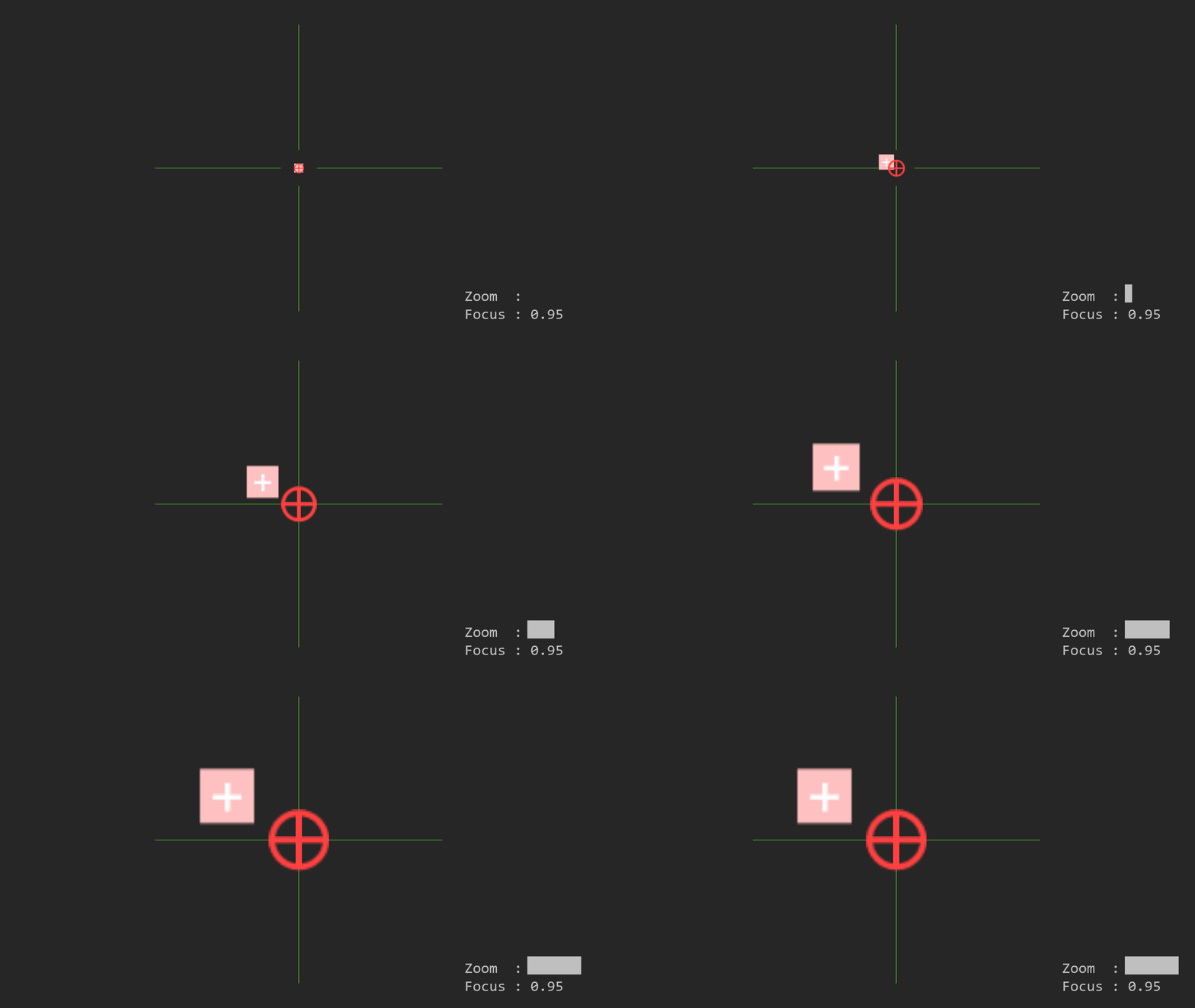
- Adjust CS: Modify the Center Shift (CS) parameters so the virtual and physical markers align.
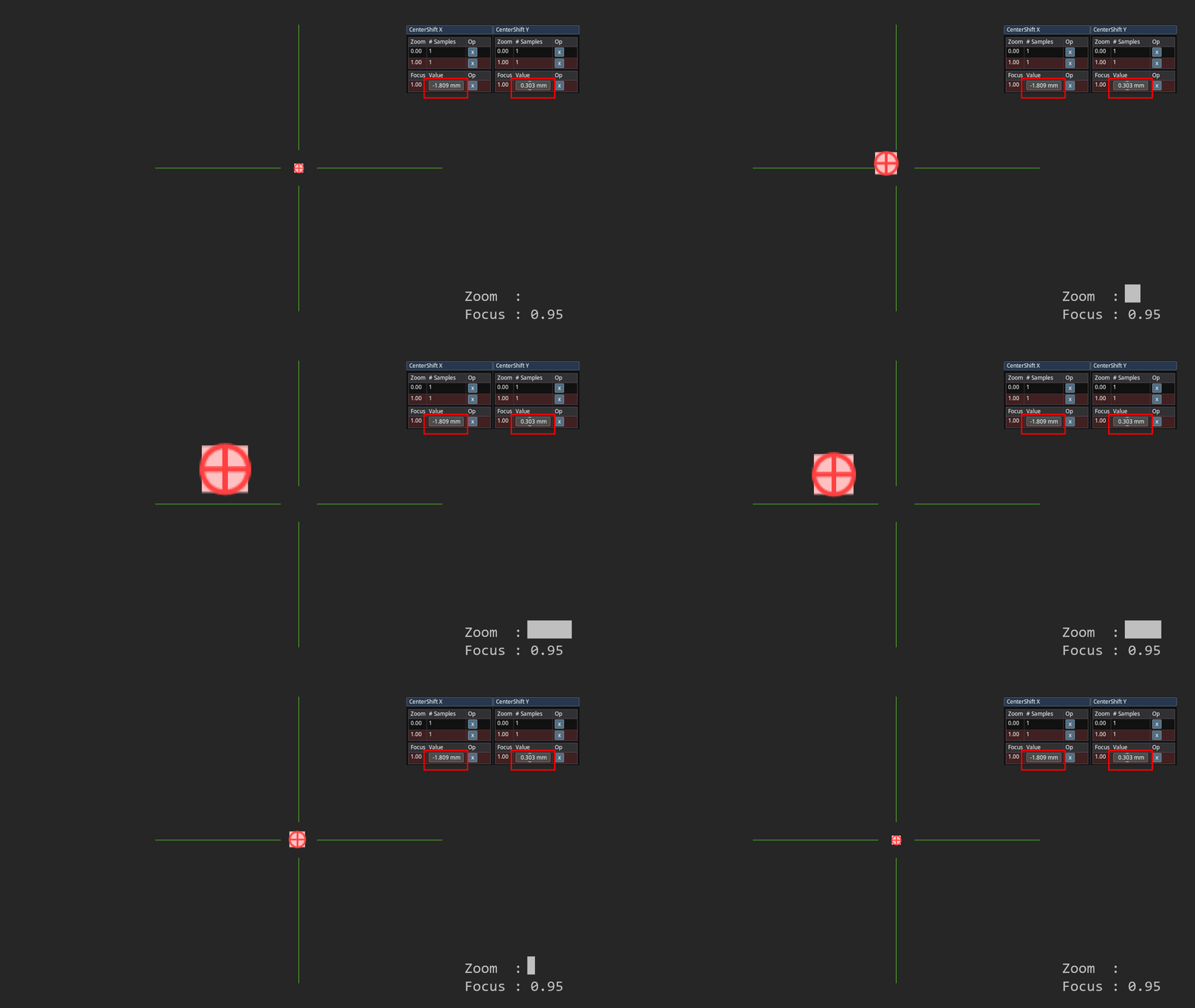
Center Shift and Focal Length interact: changing one can affect the other. You will usually need to iterate adjustments for CS and FL until both markers align at this zoom level.
- Calibrate NO, K1, K2: After FL and CS are stable, determine Nodal Offset (NO) and distortion parameters K1 and K2 for this zoom sample using the normal K1/K2 and NO procedures.
- Repeat for the next zoom step: Zoom further and repeat steps 1–5 for each required zoom sample until the full zoom range is covered.
Practical Tips
- Work from wide to telephoto (zoom = 0 → 1.0) so you can spot trends in how parameters change with zoom.
- If a parameter changes rapidly over a small zoom range, add additional samples in that range.
- Keep notes of each zoom sample’s raw encoder readings (zoom and focus) — they help diagnose inconsistencies later.