Template Form Panel
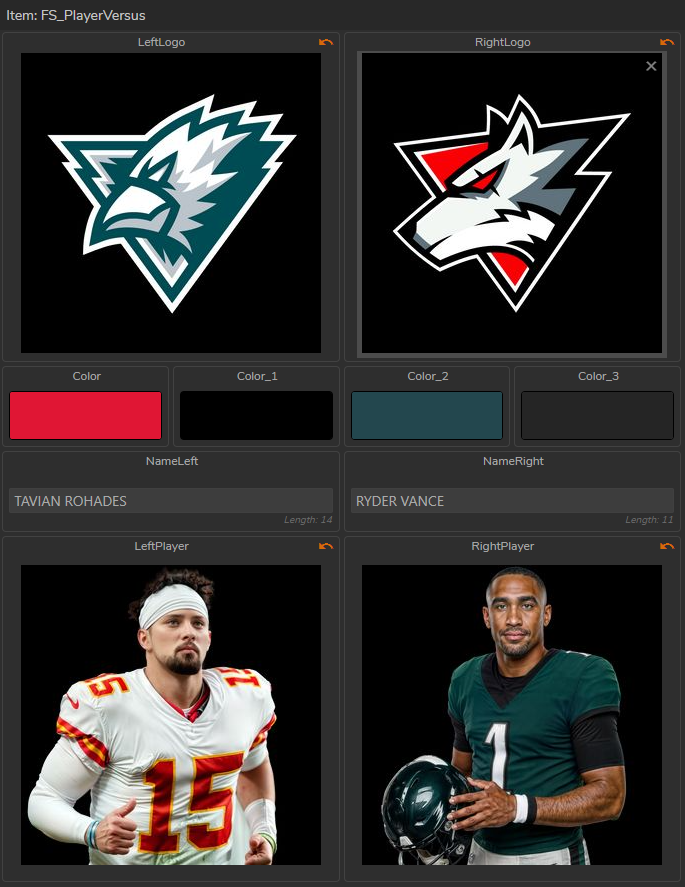
This is the area where you update Rundown Items by editing Template Details. You can also create new Rundown Items from modified Templates.
Additional Information

When you select a rundown item, Template Update Panel text begins with Item.

When you select a rundown item, Template Update Panel text begins with Template and its color turns into yellow and Save icon appears.