Reality License Backup and Restore
With the version 1.5, Zero Density License Manager supports Backup feature allows you creating backups and restoring them when needed.
Functionality
- Backup: Creates backup of Zero Density License Manager related program data files and folders.
- Restore: Allows you to restore your backup.
Backup

- Navigate to the Backup section in the Application Menu.
- Select the Backup option to initiate the backup process.
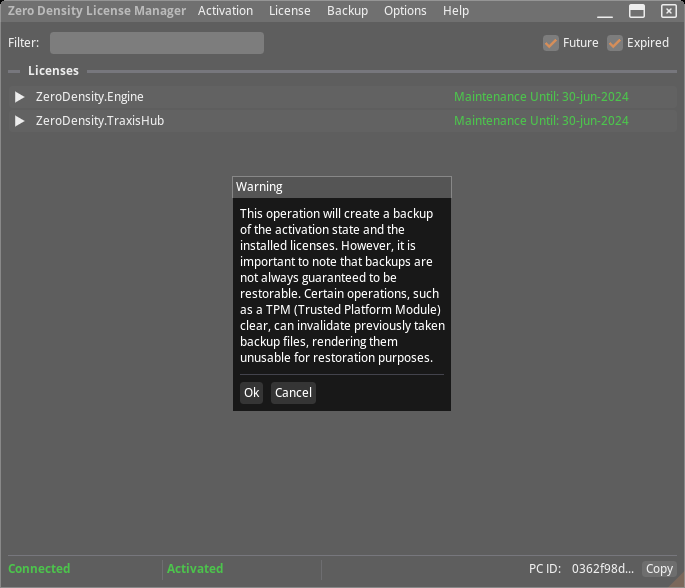
- You will be informed about backup process, click Ok.
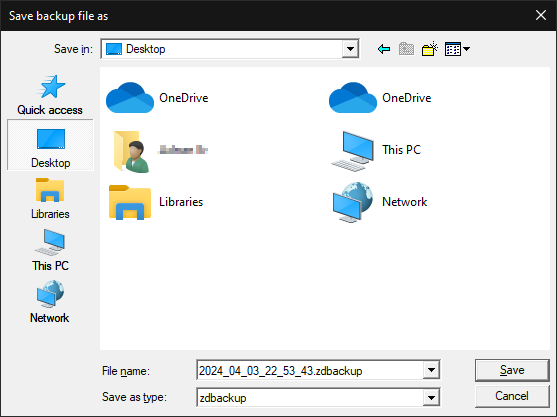
- Choose the destination folder.
- Your data will be compressed and saved as a *.zdbackup file.

Backup successfully completed.
Restore
- Navigate to the Restore section in the Application Menu.
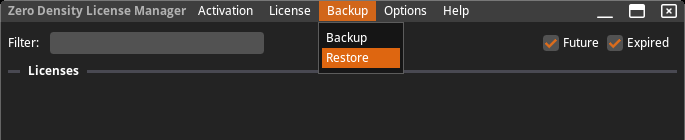
- Select the Restore option to begin the restoration process.
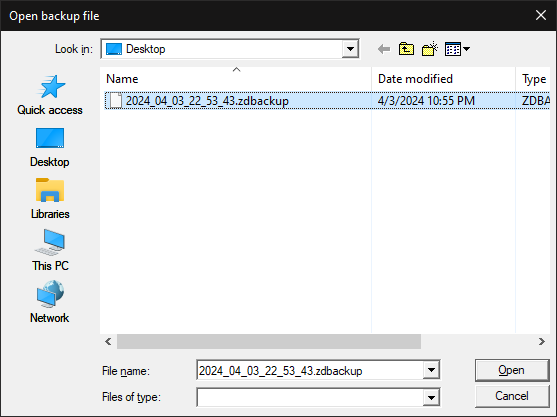
- Choose the backup file (*.zdbackup) containing your data to restore.

Restoring is successfully completed.