Single-Talent Tracking
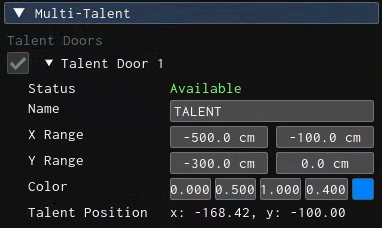
If your license does not include the Multi-Talent feature, your operating workflow and user interface will be slightly different, but the process is nearly identical. The only thing you have to do is define a door and ensure that your talent enters the Track Region from that specific door.
The second workflow change is related to Adding Engine phase. Please refer to Single Talent Engine Targeting.