Launcher
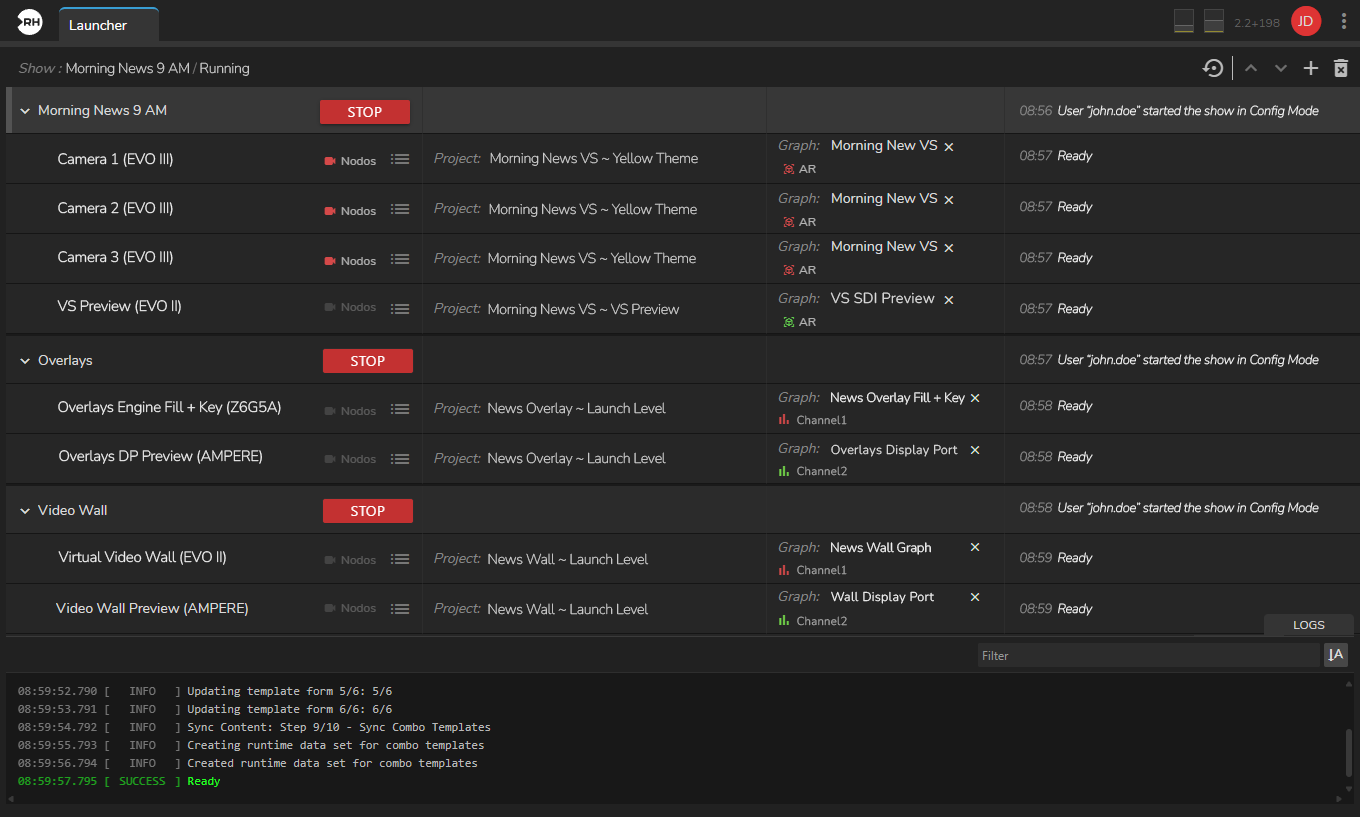
Launcher is the Reality Hub module used to configure and launch your production environment. All show setup including creating shows, assigning engines, selecting projects, maps, and graphs, and starting the show is performed within the Launcher module.
Also, you can take a look at the Project and Show logs to catch important details in real time.
Watch the following video to see the Launcher module and its core features in action:
Launcher Interface
This document offers two types of information: an Interactive Launcher Interface Experience and conventional documentation. Both contain the same information.
Engine Status Colors
Engine Status Colors provide crucial information on the current operational state of an Engine or Engine Groups, visually conveying their availability.
Custom Launch Parameters
Custom launch parameters allow you to launch your Show with a certain flags such as nosound, d3ddebug, etc.
New Launch Configuration
This section shows how to create a launch configuration for a Tracked Virtual Studio scenario with three studio/broadcast cameras. This example uses four engines: three program engines (bound to cameras) and one preview engine for AR-type graphics. You can reuse this setup with the Virtual Studio example project included in Reality Projects.