Configure Video
Video In
- Connect the camera to the DeckLink input card of the PC that runs Traxis Hub.
- Use DeckLink and/or third-party tools to configure DeckLink ports, and determine which DeckLink input device to use as SDI-in.
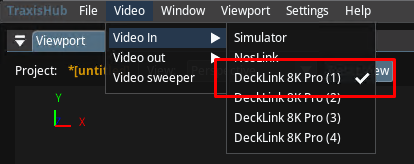
- In Traxis Hub, go to the Video menu, and set Video In to the relevant DeckLink SDI-in.
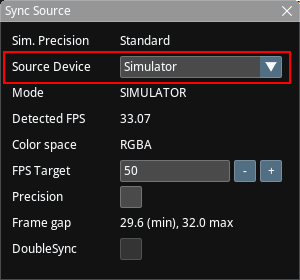
- Launch the Sync Source panel, and set the sync source to the DeckLink input that you have selected.
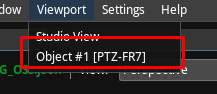
- In Traxis Hub, go to the Viewport menu, and select the tracked object that was created in the previous step.
Video Out
- [Optional]: Video Out can be set in Traxis Hub, so that a full-screen video with overlay can be observed on an external SDI display.
For more information, read the Video.