Focus Breathing and Zoom Plan
Focus Breathing
Focus Breathing is a change in framing while focus moves. It can make a correctly solved target slide in the image even when the camera and target do not move.
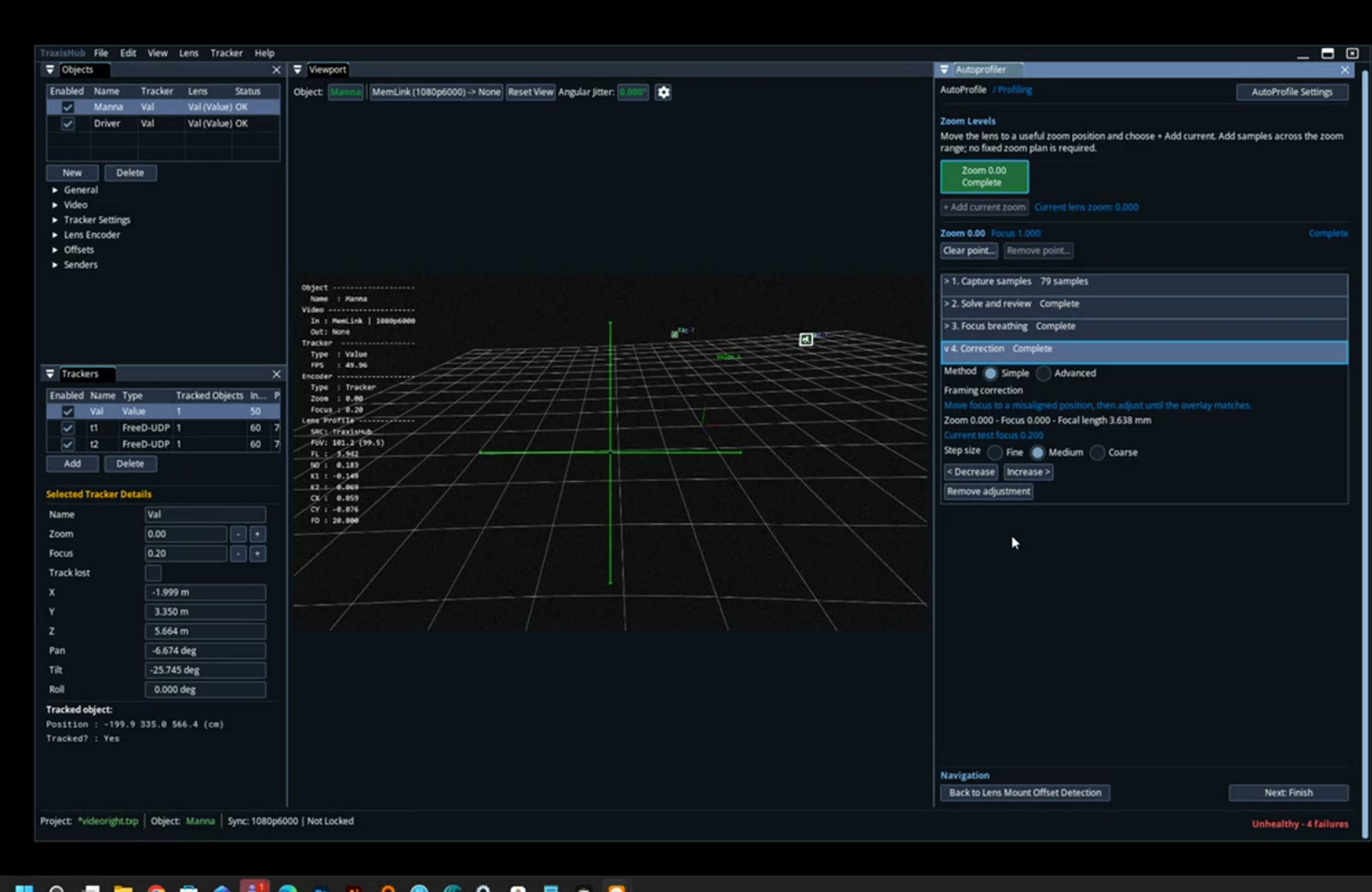
Correction Procedure
- Use a target near the frame edge.
- Keep physical zoom at the current solved level.
- Change focus from near toward far.
- Select No change, Yes, it changed, or Not sure according to the result.
- If it changed, select Start adjustment.
- Use Fine, Medium, or Coarse Increase/Decrease controls.
- Align the projected point with the observed target.
- Rack focus again and confirm stable alignment.
- Complete Correction.
Digital viewport zoom may be used to inspect the points. It does not replace changing physical focus.
Zoom-Level Strategy
| Interval | Levels | Use |
|---|---|---|
0.2 | 6 | Faster general profile |
0.1 | 11 | Higher precision or complex lens behavior |
Sample Density
The wide point needs the broadest and richest coverage. Higher zoom points may use fewer samples, but each point still needs enough distribution to constrain the parameters being solved.
Use denser zoom intervals when:
- Lens has a long zoom ratio.
- Distortion changes rapidly.
- Focal-length interpolation is visibly nonlinear.
- Focus Breathing changes strongly.
- Intermediate zoom validation shows overlay drift.
Completion Rule
A zoom point is complete only after Capture, Solve, Review, and Focus Breathing work are complete. Opening a task or obtaining one successful solve is not enough to claim a full-range profile.