Realign an Existing Lens Profile
Use Realignment When
- A valid Lens File already exists.
- Lens is installed on another camera.
- Tracker mount changes.
- Lens mount is removed/reinstalled.
- Rig is hit or mechanically disturbed.
important
Do not use Realignment to compensate for a missing or incorrect optical profile.
Choose What Changed
- Tracker mount only: Solve tracker-to-camera alignment; retain the existing Center Shift.
- Tracker mount and lens mount: Re-determine camera alignment and the camera-specific fixed Center Shift while retaining the optical lens curves.
Procedure
- Load and verify the existing Lens File.
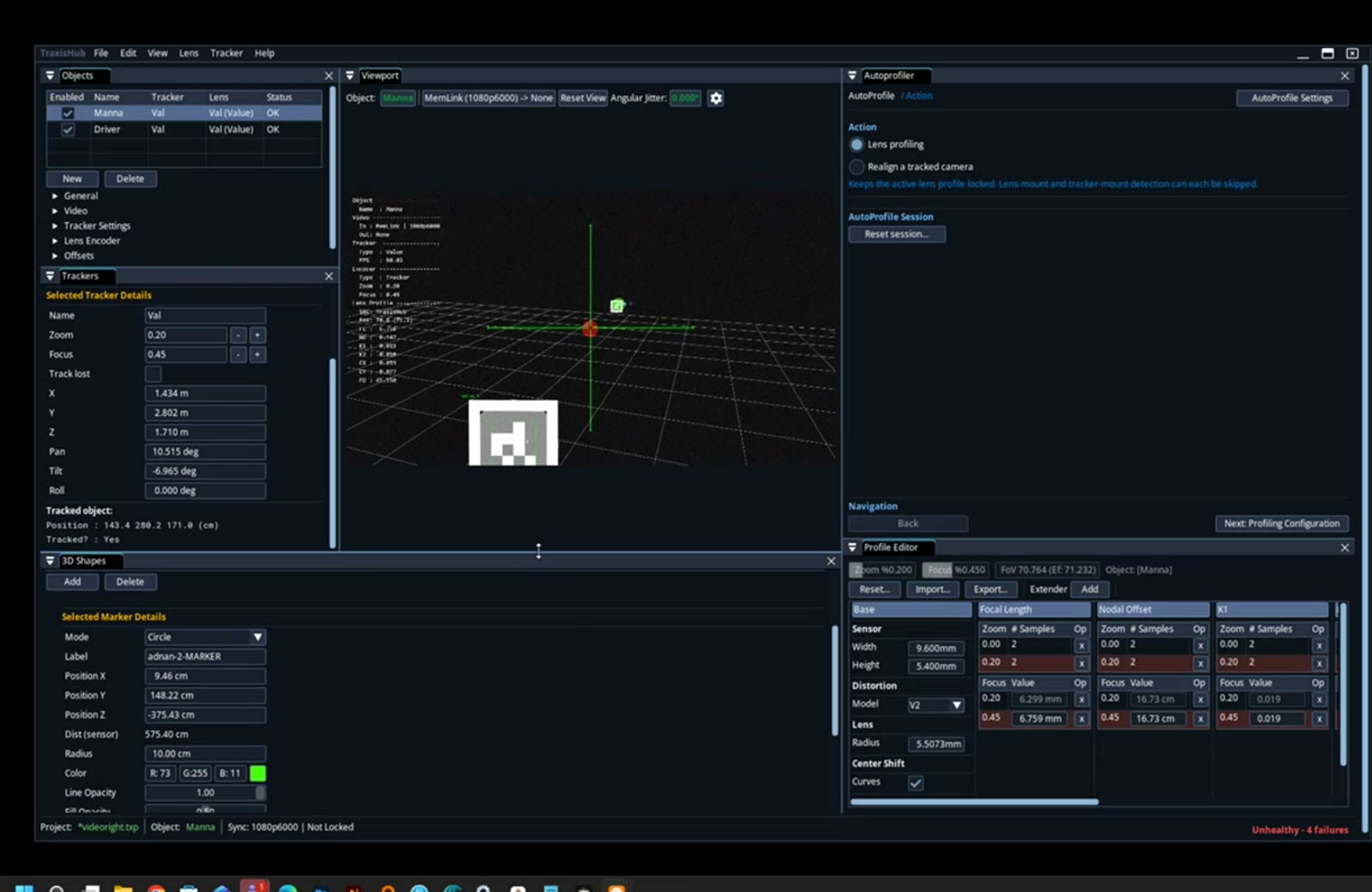
- Select Realign a tracked camera.
- Select what changed.
- Configure valid reference targets.
- If required, complete Wide/Tele Center Shift measurement.
- Set zoom to
0. - Capture targets across the frame. Focus may vary because the existing profile evaluates each stored focus value.
- Solve offsets.
- Review projection error.
- Accept and finish.
Realignment solves camera-owned X, Y, Pan, Tilt, and Roll; Z remains fixed. It does not write new focal-length, distortion, Nodal Offset, or zoom curves.