Tracker Configuration
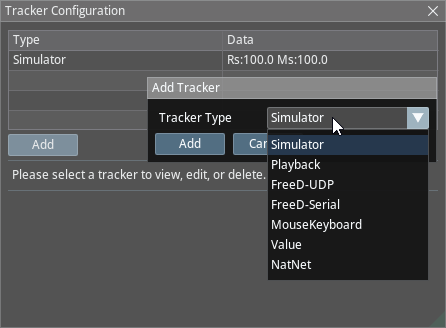
The Tracker Configuration module enables you to select your tracker and define its details in corresponding modules. To set an example, if you select OptiTrack as a Tracker Type, it offers different properties and workflows, while selecting Simulator brings an entirely different set of tools.
Process
- Navigate to the Tracker Configuration panel and click on the New button.
Please follow:
Tracker Types›