Focus / FB
The impact of Focus Breathing (FB) becomes more noticeable at higher zoom levels.
Profiling Steps
- Select a region with minimal distortion: Pan the camera to an area in the image where lens distortion is either very low or negligible.
- Set the focus near 0.00: Adjust the focus value close to
0.00. The physical marker will shift position due to focus breathing, while the virtual marker will remain fixed.
The focus value should be close to 0.00, but still allow the marker to remain visible and identifiable.
In this example, a focus value of 0.20 was used.
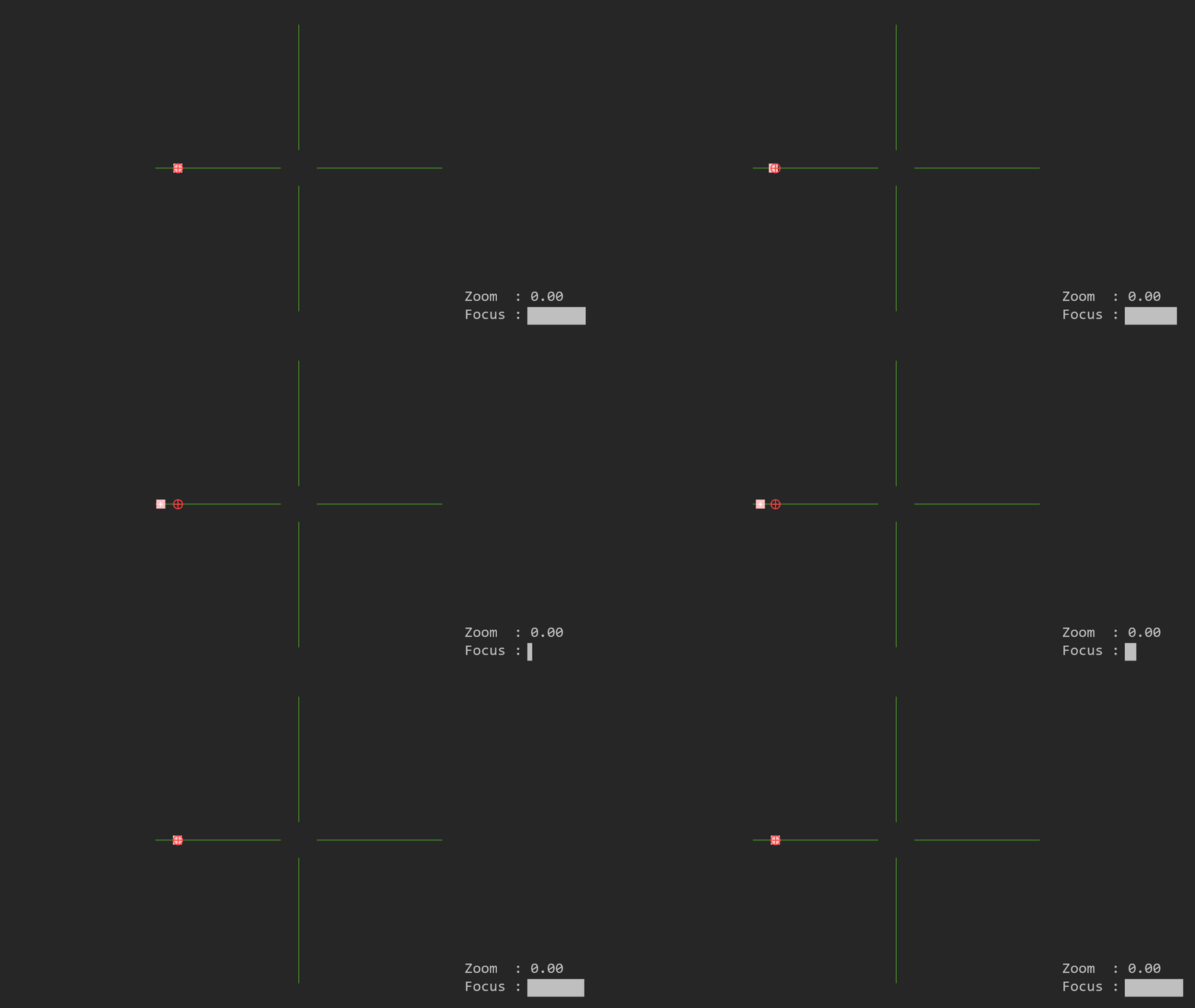
- Add a focus breathing sample: If focus breathing is observed, add a new focus sample under Focal Length (FL) and adjust its value until the virtual and physical markers overlap correctly.
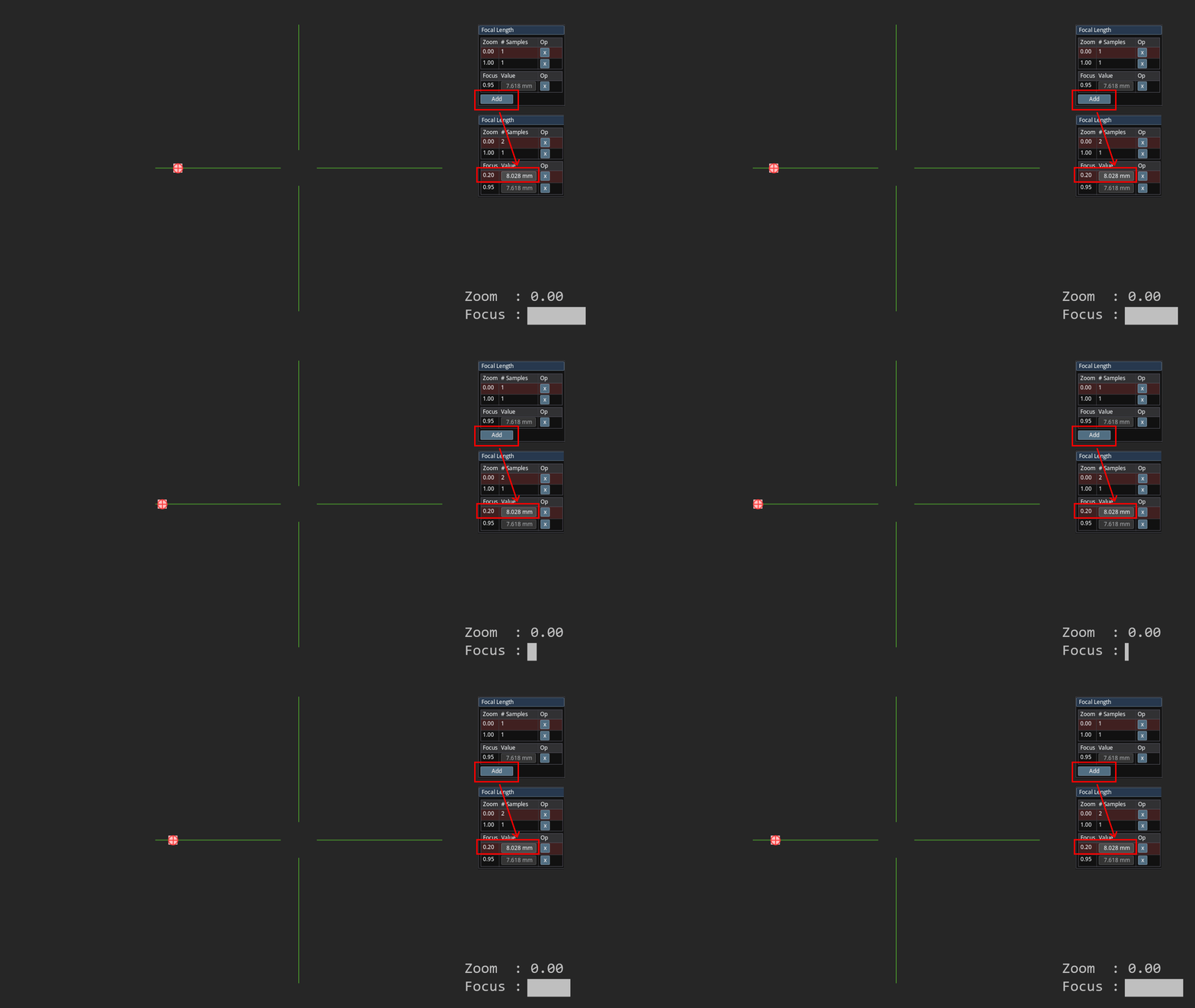
In most lenses, focus breathing follows a linear pattern. In such cases, two focus samples (for near and far focus positions) are usually sufficient. For lenses with nonlinear breathing, additional samples may be added to improve accuracy.
While this example covers the effect of FB on Focal Length (FL) only, focus breathing also influences other parameters such as K1, K2, Nodal Offset (NO), and Center Shift (CS). For high-precision profiling—such as those used in XR applications—all these parameters should be verified and adjusted for FB effects.