K1 / K2
info
For simplicity, the profiling process for K1 and K2 is explained using only the Far marker.
The Distortion Visualizer can be used to observe how K1 and K2 affect image distortion. It provides a full visualization range for both parameters and helps verify their combined effect.
important
The following descriptions of the K1 and K2 regions are for illustration only. Actual distortion behavior depends on both the values and the signs of K1 and K2. For accurate evaluation, always check the combined result using the Distortion Visualizer.
Profiling
- Start from the center, and pan to the side. The good overlap around the center will begin to break and drift as you move away from the center.
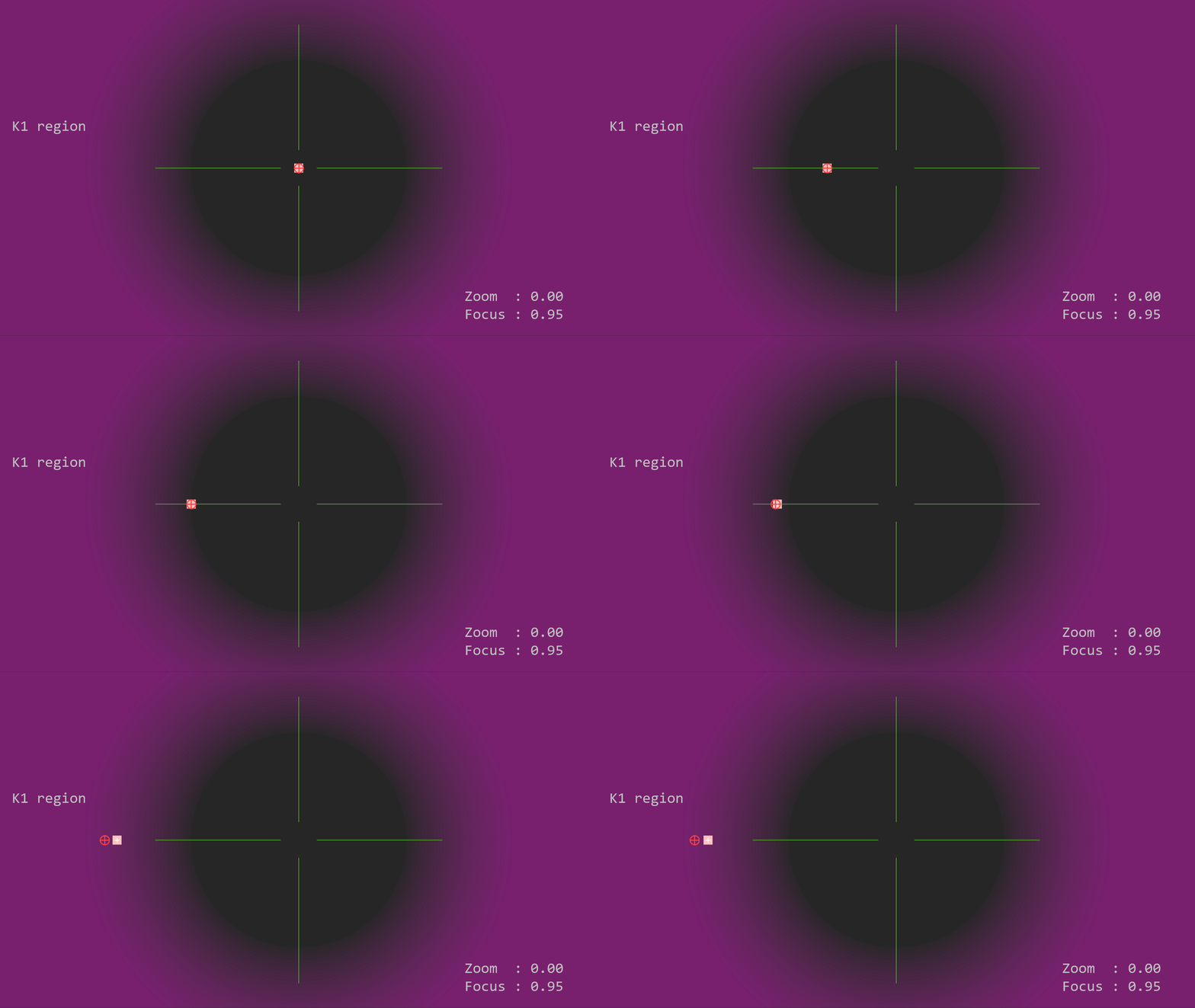
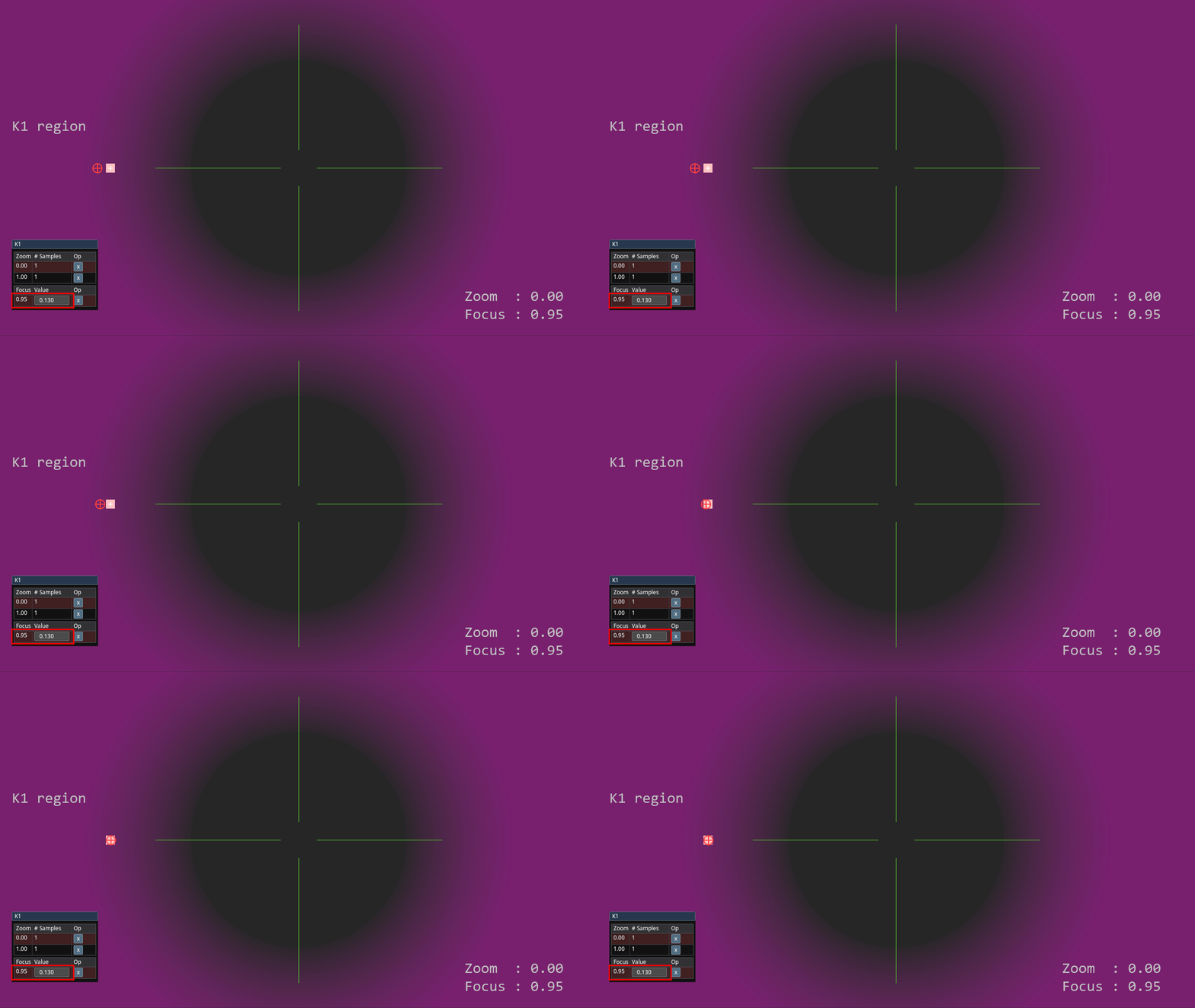
- When the drift becomes significant, modify K1 to fix the overlap (in the example, K1 is positive).
- Pan further up to the edge. As the marker approaches the edges, it's possible that there will be another point of break of overlap.
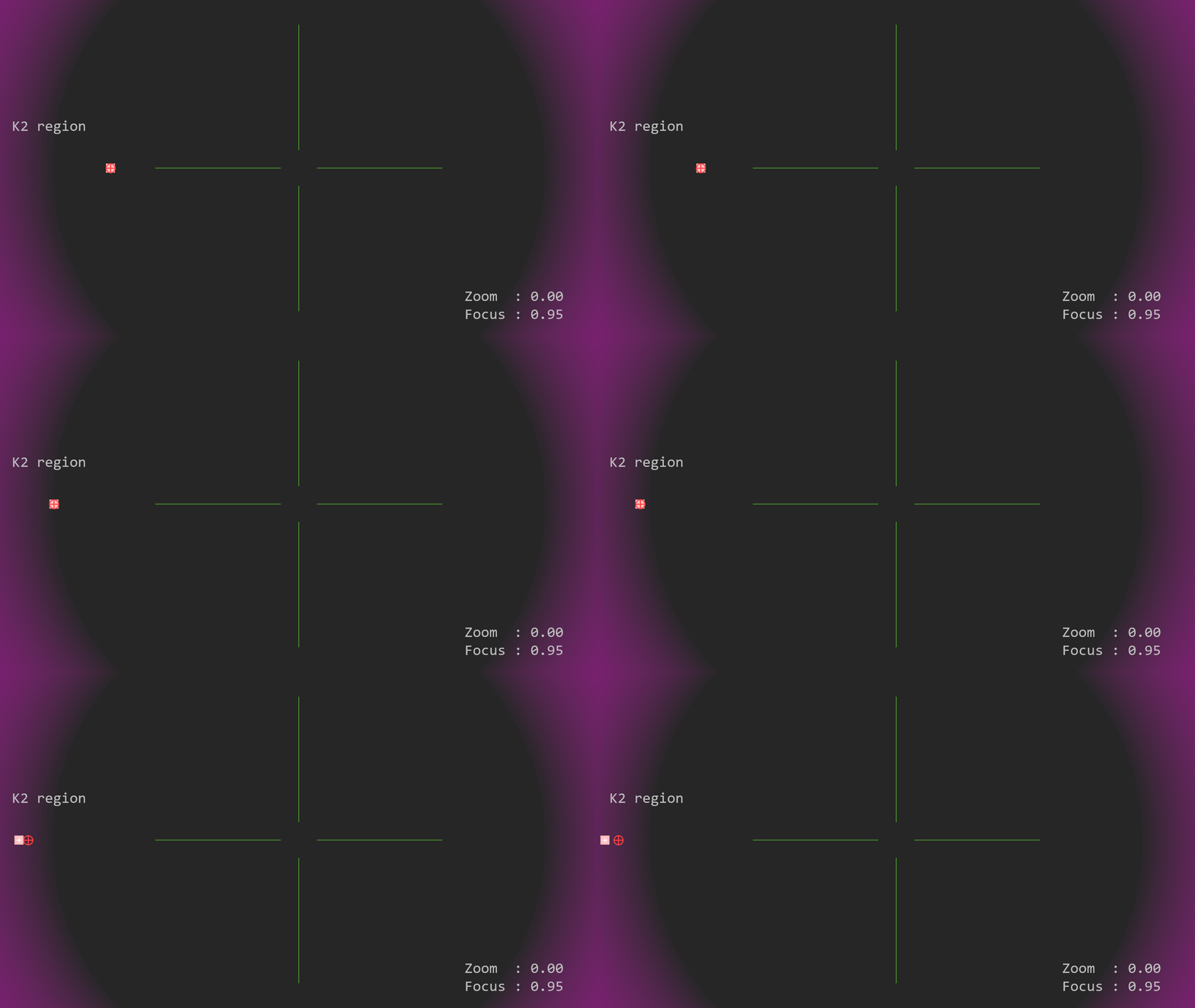
- If this is the case, modify K2 to re-overlap (in the example, K2 is negative).
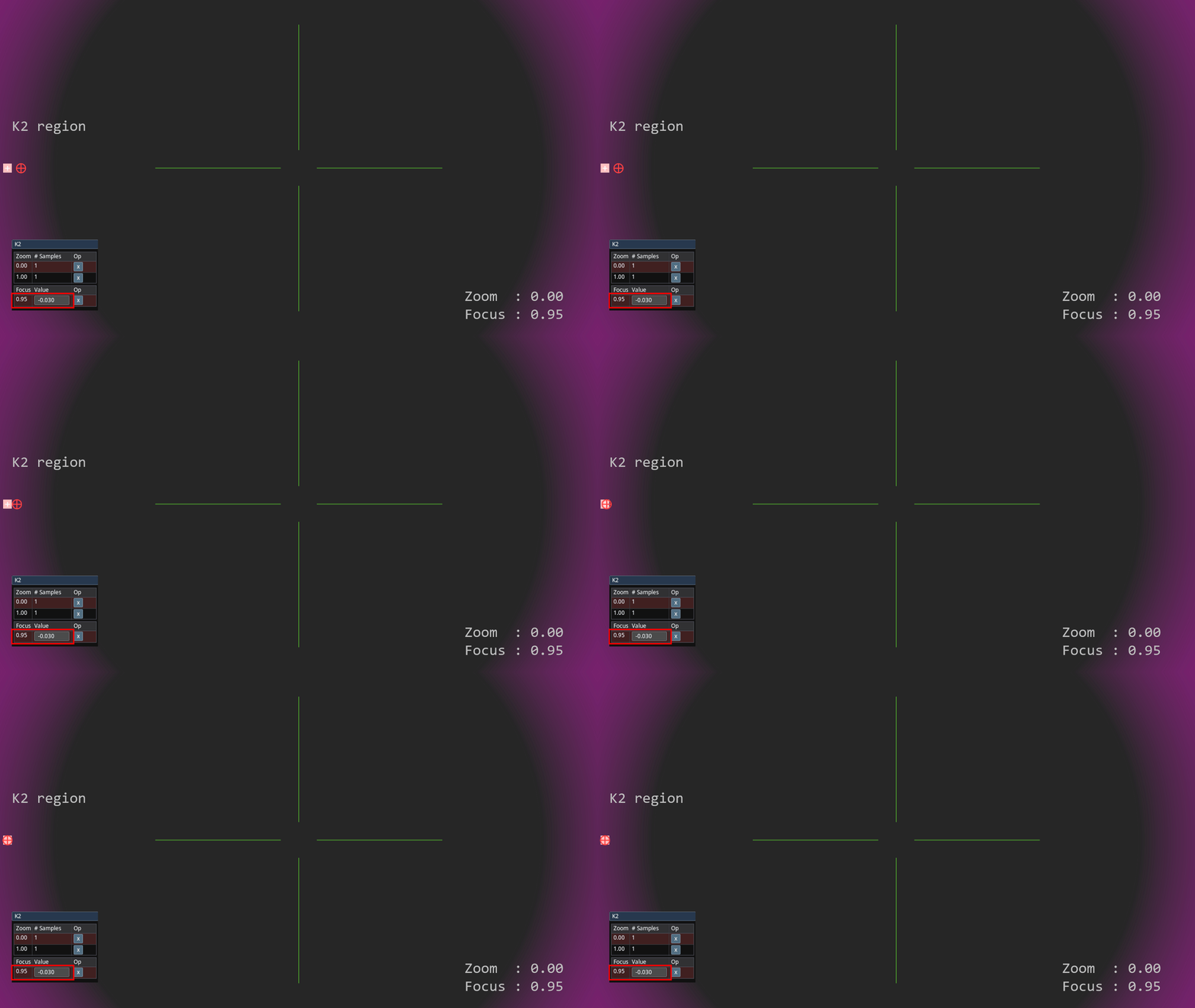
- Restart from the center, experiment with K1 and K2 while panning the camera and moving the marker on the image, and verify the overlap.
important
Multiple iterations over K1 and K2 might be required.
Additional Info
K1 and K2 can have any values, positive and negative, and they can even change sign as zoom/focus changes.
- For simpler lenses, K1 is usually low and K2 is virtually zero.
- For many broadcast lenses, K1 is positive and K2 is negative.
- Often, both K1 and K2 drop to zero as the lens zooms in and becomes telephoto. :::