Monitor Sampling and Updates
Use the Calibration pane to check sampling progress and the time of the last calibration update.
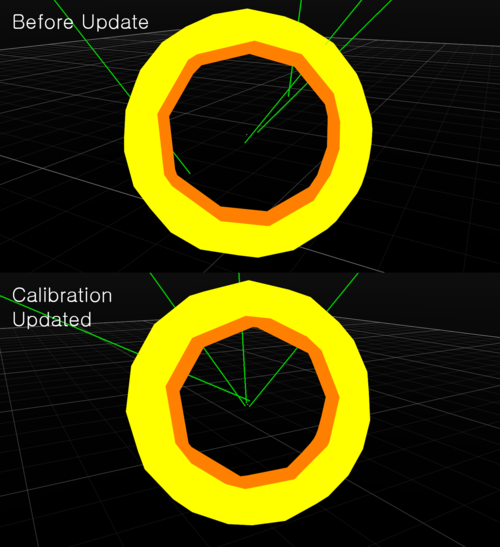
Motive continuously checks residual values in marker reconstructions. It applies a new calibration when the new solution is better than the current one.
Calibration does not update if the environment does not provide enough information. Check the tracked markers and the data requirements.
Maintain the Required Conditions
Stay in Live Mode
Continuous Calibration does not operate on recorded data.
Avoid Tightly Clustered Markers
Markers that are farther apart produce better results. More camera overlap also increases the chance of a better calibration update.
Keep the Reference Fixed
Keep anchors fixed during tracking. If an anchor moves, clear the existing anchors and reassign them.
Complete the Initial Calibration
Enable Continuous Calibration after completing the initial system calibration.
Partitioned Tracking Areas
For separate rooms or partitioned tracking areas, open advanced camera Properties. Assign the same Partition ID to cameras in the same room. Anchors are essential to maintain a single calibration in a partitioned volume. This setup is separate from a normal single-volume setup.