Objects
In Traxis Hub terminology, an Object refers to anything that is trackable. The main Object panel enables adding and removing Objects to the project.
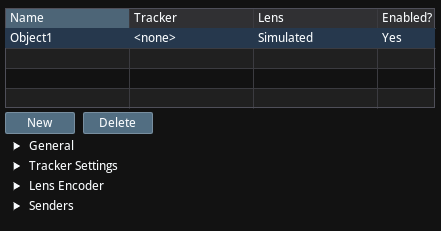
In the following sections you'll learn to:
- Configure general object properties including names, enabled status, and camera settings.
- Associate objects with external trackers and configure tracking elements.
- Set up device and object position/rotation transforms for accurate positioning.
- Configure lens encoder settings for various encoder types and read modes.
- Set up data transmission using FreeD, Xync, and THT protocols to external systems.
Please follow:
General
The General settings section provides various configuration options for tracked objects. This section allows you to configure the object's name, specify if the object has a lens, and control view centering behavior.
Tracker Settings
Tracker Settings
Lens Encoder
The Lens Encoder settings are used to select the data source (physical lens, simulated, or external tracker) and the timing (free run or genlocked to video frame) for reading the essential zoom and focus values from a camera lens, while also providing tools for monitoring the roundtrip latency and resetting the connection.
Sending Tracking Data
Senders