Digital Zoom
Digital Zoom enables you to magnify the input for closer inspection while operating in Object View mode, without the need to physically adjust the lens.
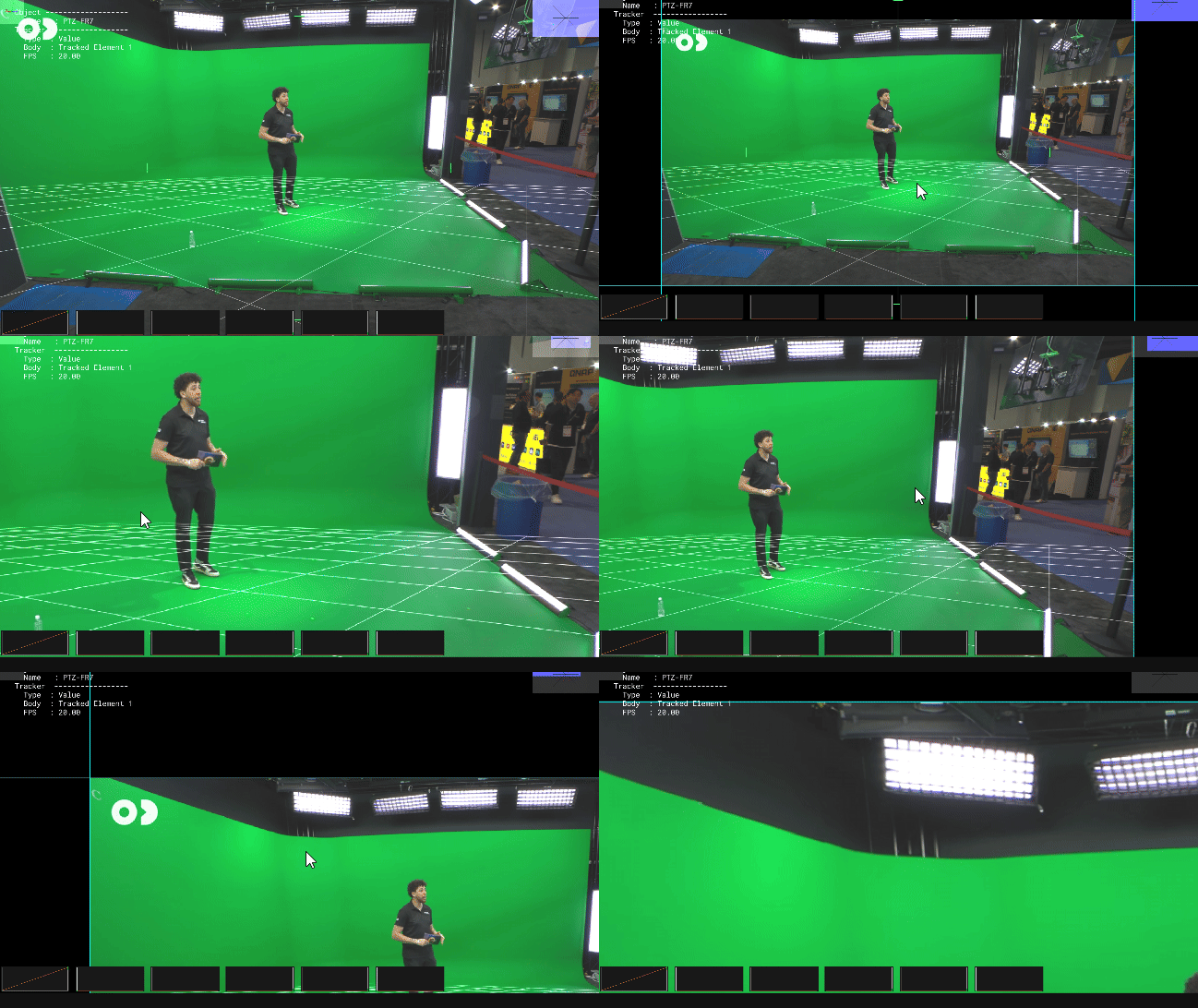
Zoom: Mouse scroll wheel. Pan/Move: Hold and drag with the middle mouse button. Reset View: Double-click the viewport.
Crosshair visibility
The crosshair may become invisible or appear off-center when the video image is moved using the middle mouse button. Double-click to reset the view and restore the crosshair to its correct position.
When Digital Zoom is active and the image is magnified, a chart in the top-right corner of the viewport indicates which portion of the image is currently being displayed.

In the example above, the viewport is zoomed into the top-left portion of the image.