Viewport Modes
Viewport has two different modes, which can be selected through the Viewport application menu.
- Studio View
- Object View
Studio View
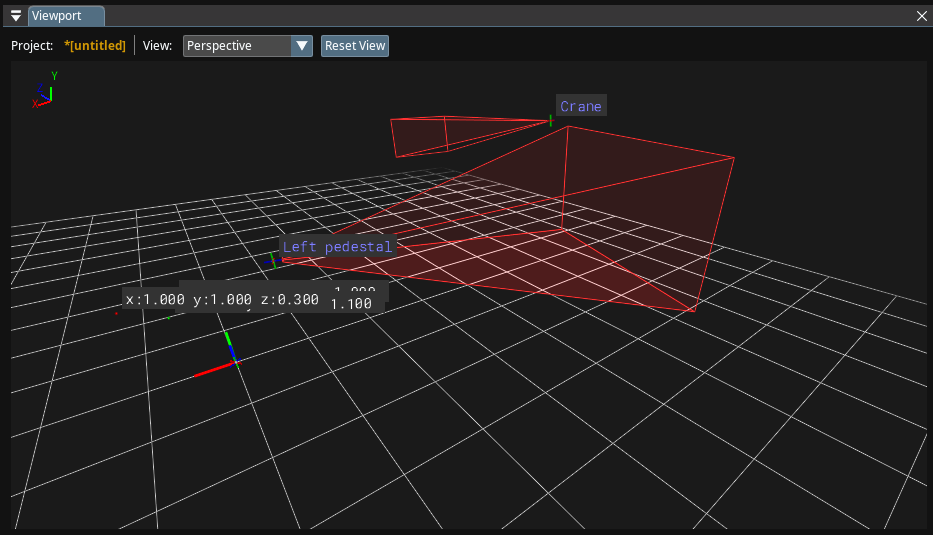
Studio View allows you to display virtual representation of the entire studio with all tracked elements, as shown above. You can also utilize the Studio View when you are using Simulators.
You can enable/disable Studio View features, such as Camera Body and Pucks, via the Render Settings.
Object View
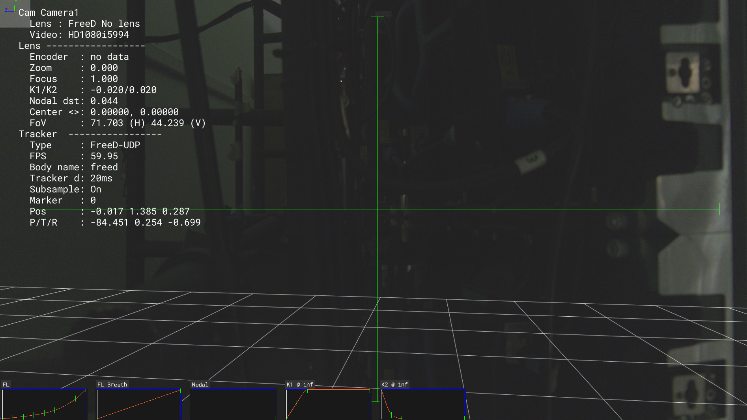
Object View allows you to see through the eyes of your object. A variety of 3D and 2D overlays are placed on top of the captured video, efficiently enabling verifying and configuring track and lens profiling.