Follow Mode

When you are in the Object view and select your Circle profiling shape, the Follow check box appears on the Viewport menu and allows you to select Follow mode, as illustrated above.
When Follow mode is selected, the system attempts to center the selected Circle Marker on the center of the screen by moving the video.
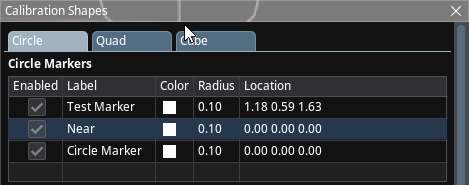
In the image above, the second marker with label 'Near' is highlighted and selected; therefore, the Follow feature will attempt to track that marker.
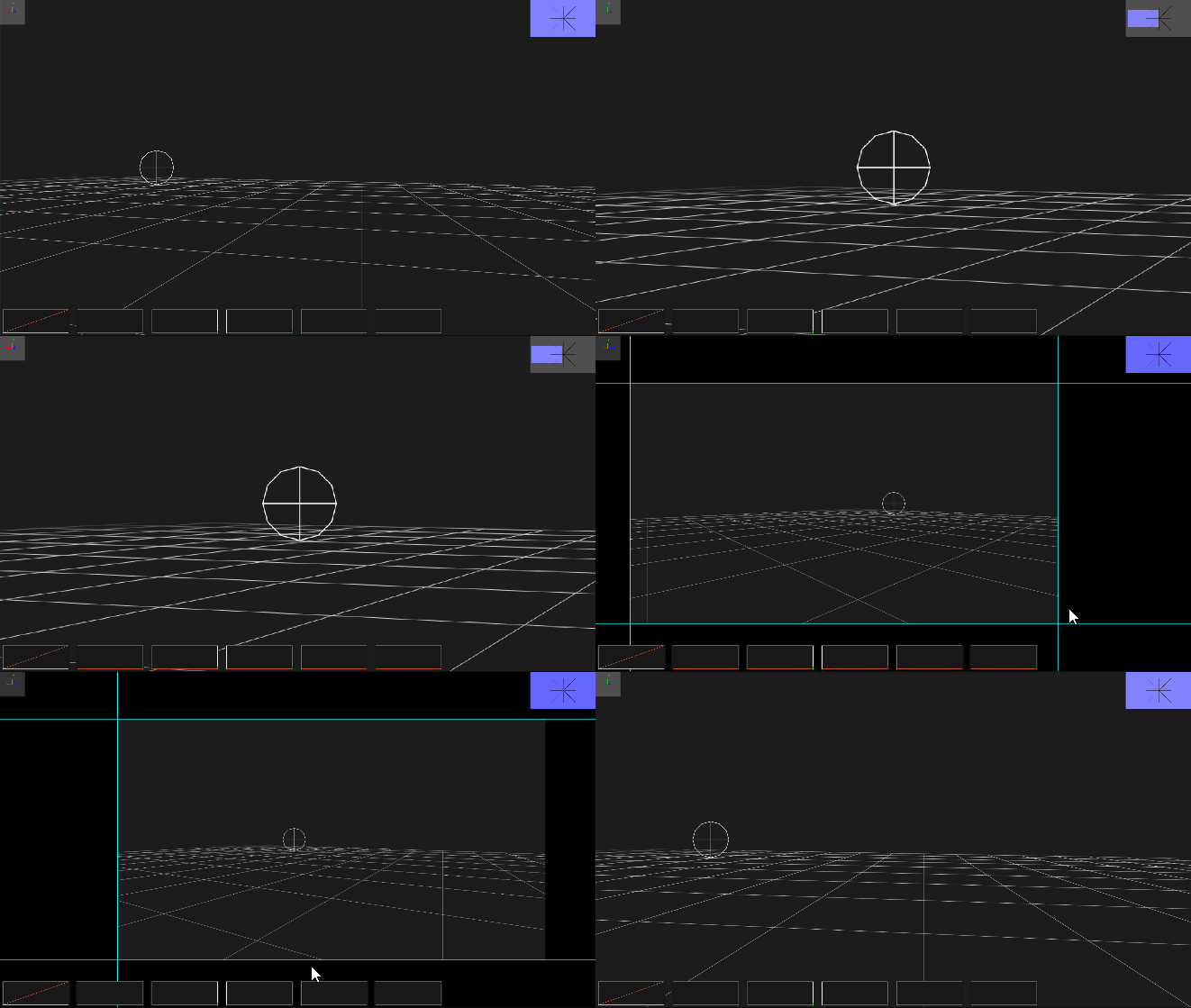
When Follow is selected, Traxis Hub also uses digital zoom to keep the marker centered. This is useful in lens profiling, as you can always see the zoomed-in marker.